
An open-source GUI prototyping tool that's available for ALL platforms.
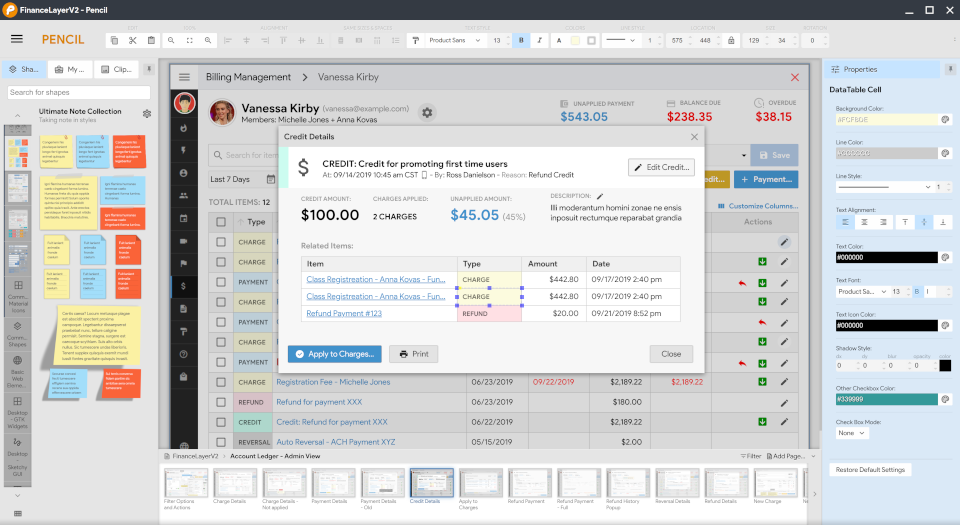
Pencil is built for the purpose of providing a free and open-source GUI prototyping tool that people can easily install and use to create mockups in popular desktop platforms.
The latest stable version of Pencil is 3.1.1 which contains stability fixes and many new features. More details can be found in the release notes.
For other platforms? See all downloads »
Project News
Jan 1, 2023 Pencil 3.1.1 is released released.
Oct 19, 2019 Pencil 3.1.0 is released released.
Jun 27, 2017 Pencil 3.0.4 is released released.
Jun 06, 2017 Pencil 3.0.3 is released released.
May 11, 2017 Pencil 3.0.2 is released released.
Feb 20, 2017 Pencil 3.0.0 GA is now released.
Feb 09, 2017 Pencil 3.0.0 rc2 is available for testing.
November, 2015 Development for the new version of Pencil started.